Spotting Secret AI Assets Before Submitting to Steam
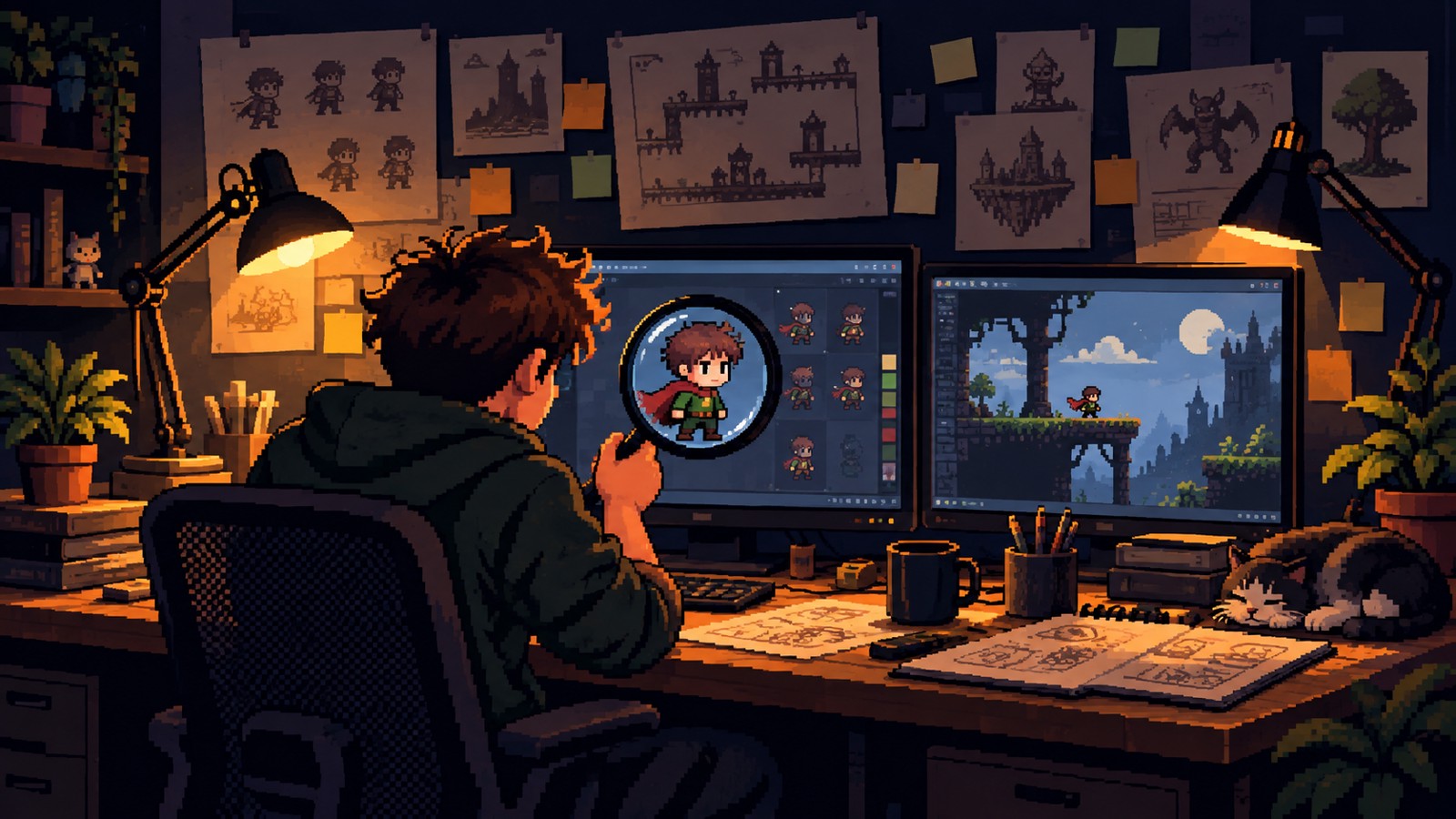
When you are an indie team without an in-house art department, buying assets online can keep a project alive. But lately, there is an uncomfortable question hanging over storefronts like itch.io and freelance platforms: how do you know if an asset pack was quietly generated by AI?
We saw this exact worry pop up in a recent Reddit thread on r/gamedev. A developer asked whether Steam offers an automated scanner to check asset files for AI before launch. The short answer from the community was a flat no. Steam does not scan your files. The burden rests entirely on your shoulders, and knowing what sits inside your build is your job alone.Steam Rules and the Real Risk
As of January 2026, Steam requires developers to disclose if they use generative AI for player-facing content like textures, music, or dialogue. AI tools used solely for internal work, such as coding assistants, do not need to be declared on your store page. But if you tell Valve your game contains no AI assets, and it turns out a contractor or pack creator slipped generated art into your project, you risk rejection or outright delisting.
Beyond store rules, intellectual property ownership is a serious concern. In the United States, purely AI-generated material generally cannot be copyrighted. If an asset was produced by a prompt, you might not hold exclusive legal rights to the files in your release. On top of that, community watchdogs and groups like the AI Check curator on Steam actively track and flag games for transparency. Relying on blind luck is not a strategy.
Visual Tells: What Artists Look For
Automated detection tools are unreliable unless an image carries a specific watermark, leaving human eyes as your front line. Experienced artists in the community highlight several visual quirks common in generated 2D art:
- Line width inconsistencies: AI regularly botches line weight. In hand-drawn work, lines usually thicken as subjects get closer to the viewer. AI often outputs flat, uniform lines or strange, broken strokes that change thickness at random.
- The plastic shine: Generated assets often show an unnatural, airbrushed gloss on skin, metal, and fabric that ignores standard lighting setups.
- Mismatched details between frames: In 2D animation sets, AI frequently alters small details, resolution scales, or base colors from one frame to the next.
- Off-target shading and gaze: Look closely at faces. If pupils aim in slightly different directions or shadows clash with the primary light source, inspect the piece closely.
Practical Steps for Sourcing Assets
Spotting odd pixels is useful, but nobody wants to spend an entire milestone squinting at dirt tiles. Here are four practical habits to keep your project clear of surprises:
- Check publication timestamps: If an asset pack was released or last updated before 2023, it predates the current flood of generative tools. That is an immediate, practical baseline.
- Vet creator account age: Check how long an artist or seller has maintained their account on platforms like itch.io. Brand-new accounts with no prior history carry a much higher likelihood of peddling generated content.
- Add no-AI clauses to contractor agreements: When commissioning work on freelance sites, state your expectations clearly before work starts. Require a written promise in the contract confirming that deliverables contain no generative AI.
- Keep a production paper trail: Document purchase dates, store links, licenses, and contractor agreements. If Valve or a curator raises questions during your review, you will have documentation ready instead of guesswork.
When a source looks suspicious and you cannot verify the person behind it, the safest path is often to make the asset in-house. Basic shapes combined with simple shaders can carry visual style a long way, and you can submit your build knowing exactly where every file came from.